2 min read
Introducing GDAgent: Bringing AI to the Godot Editor
Launch day is here. GDAgent puts native AI terminal workflows directly inside Godot so you can ship faster.
Native terminal. Persistent sessions. Seamless workflow.


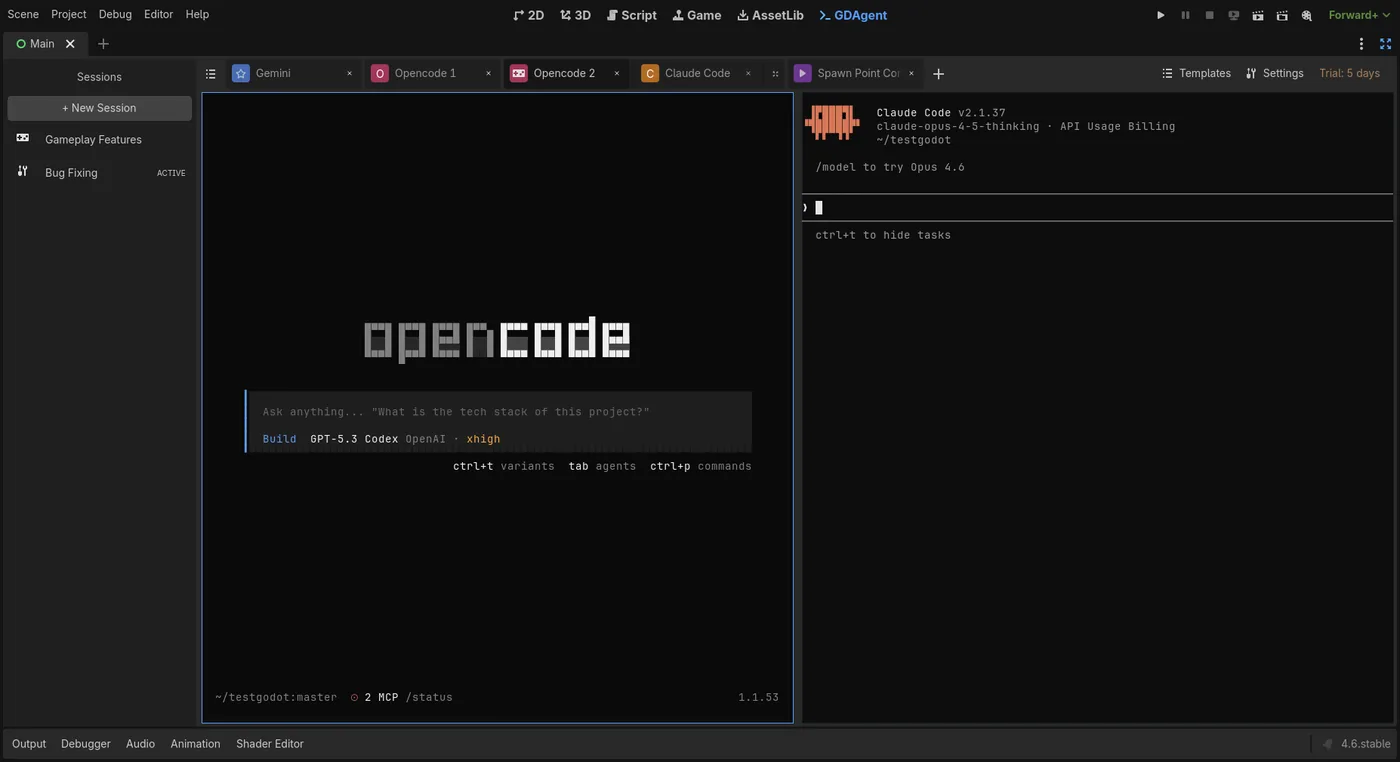
Everything you need for AI-assisted Godot development
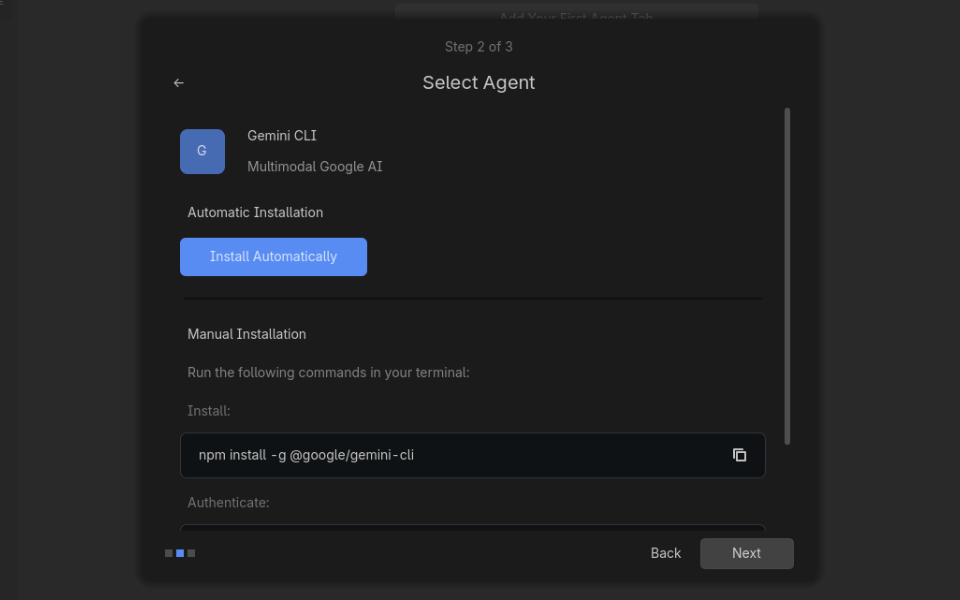
First Run Wizard detects your environment. Auto-discovers AI tools and configures them instantly.
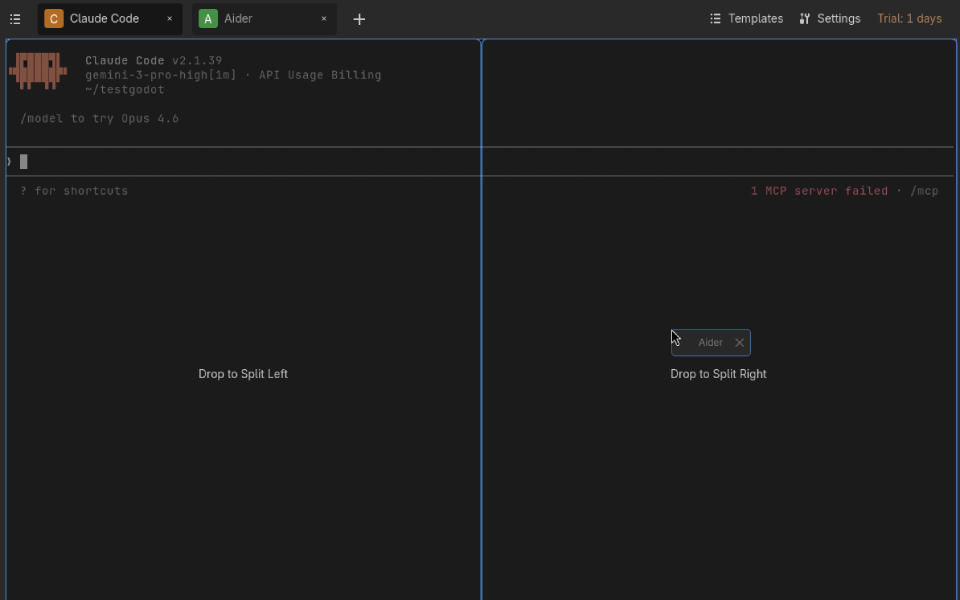
Split view, drag & drop. Organize your AI sessions exactly how you want them.
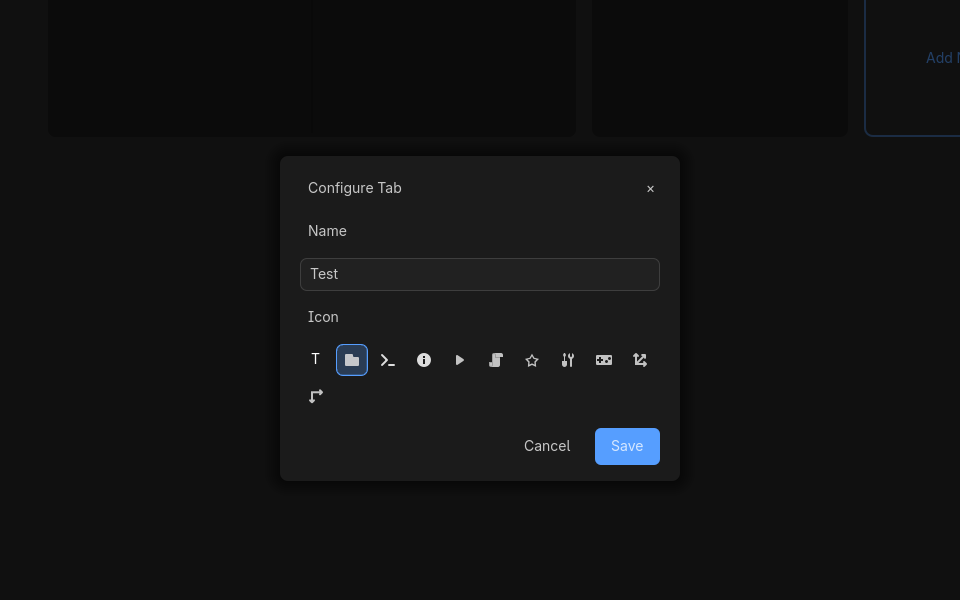
Auto-save with custom icons and labels. Pick up exactly where you left off.
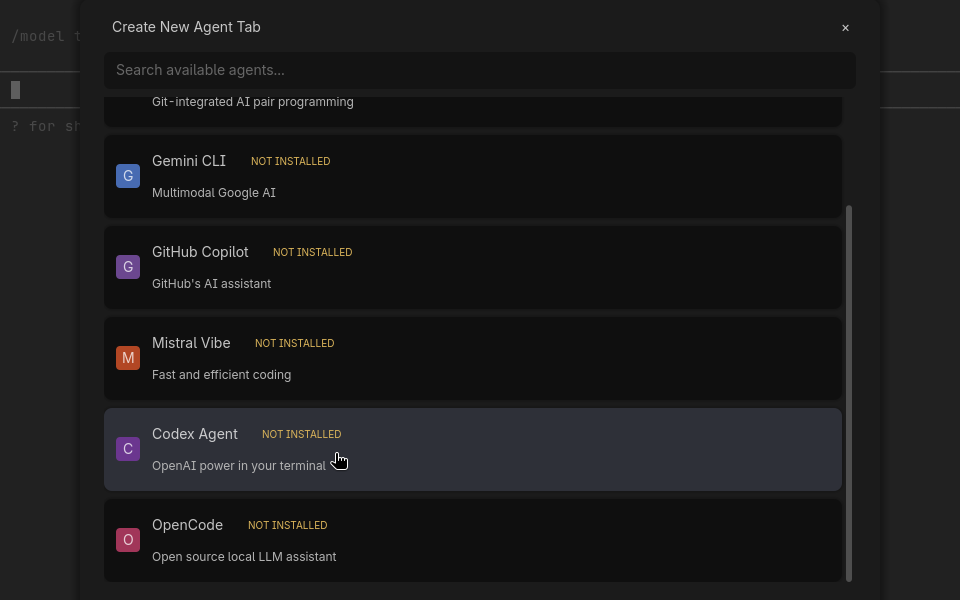
Use your preferred AI agents and models in parallel for maximum efficiency.
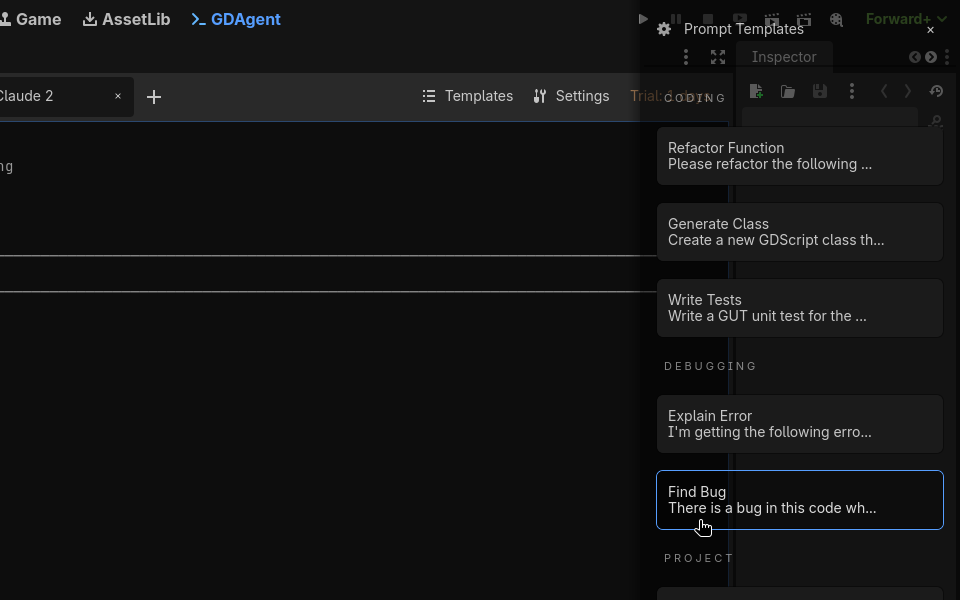
Built-in templates for common Godot tasks. GDScript fixes, project settings, and more.
Rust-powered backend with a lag-free terminal. No Electron, no web views—just pure speed.
Native support for macOS and full parity with other desktop platforms.
Native support for Android, allowing you to use your full workflow on the go.
A custom MCP server that lets AI agents read and modify your scenes, nodes, and project settings directly.
Extend GDAgent with custom integrations and browse shared prompt packs for common workflows like save systems, multiplayer, and more.
Automatic checkpoint before every AI edit. If an agent breaks something, roll back to the last working state in one click.
A shared knowledge base that all agents can read and write to. Decisions, conventions, and architecture notes persist across multiple agents and sessions.
From The Blog
Launch day is here. GDAgent puts native AI terminal workflows directly inside Godot so you can ship faster.
Watch GDAgent streamline your Godot workflow
Demo video coming soon
One-time purchase. No subscriptions. Unlimited updates.
Experience the full potential of GDAgent for 3 days. No credit card required.
Perfect for solo developers
For studios and teams (coming soon)
Available for Windows and Linux. macOS and Android coming soon.
30-day money-back guarantee. See our Refund Policy.